 0
0
 0
0
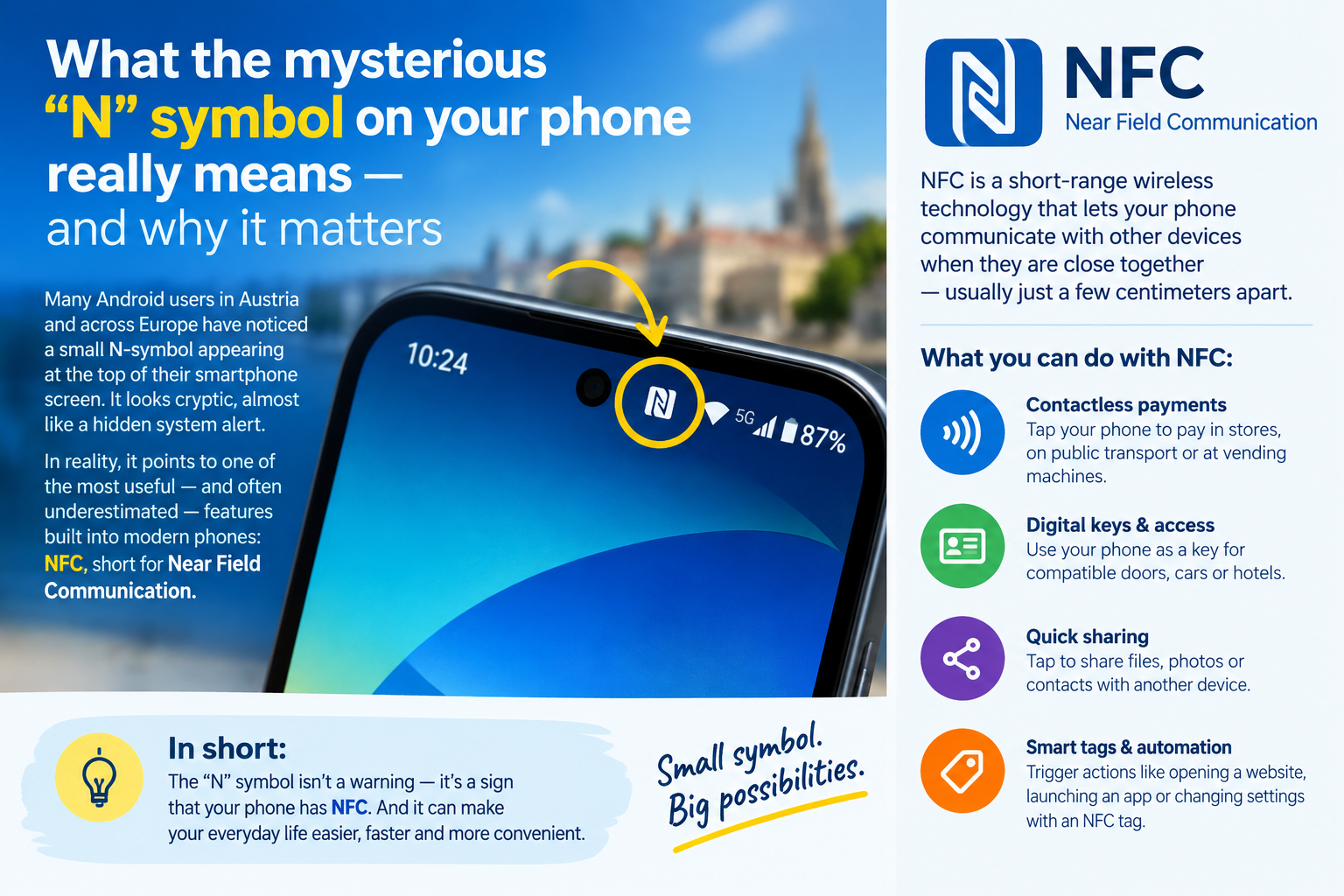
Many Android users in Austria and across Europe have noticed a small N‑symbol appearing at the top of their smartphone screen. It looks cryptic, almost like a hidden system alert. In reality, it points to one of the most useful — and often underestimated — features built into modern phones: NFC, short for Near Field Communication.
A tiny icon with powerful capabilities
NFC is a short‑range wireless technology that allows devices to exchange data when they are just a few centimetres apart. It has been standard in Android phones for years, and Apple introduced it permanently with the iPhone 7. Because the connection only activates when two devices physically touch or nearly touch, NFC uses very little energy and is considered highly secure.
Android phones often display the N‑symbol when NFC is active. Samsung devices hide it in the quick‑settings panel. In the system menus, the feature can be switched on or off under Connections or Wireless_and_Networks.
iPhones behave differently: NFC is always running quietly in the background and cannot be manually disabled. Apple controls access tightly to protect sensitive functions like Apple_Pay.
Everyday uses: more than just paying at the supermarket
The most familiar use of NFC is contactless payment. Services such as Google Pay, Apple Pay and Samsung Wallet transmit your virtual bank card to the checkout terminal. A fingerprint, face scan or PIN confirms the transaction.
But NFC’s role in daily life is far broader:
- Opening hotel rooms or office doors
- Pairing headphones or speakers instantly
- Reading public transport tickets
- Automating tasks at home with NFC tags
- Checking in at events or workplaces
Most people use NFC without even realising it.
How to control NFC on your phone
Android: The N‑symbol indicates active NFC. You can toggle it in the settings menu via a simple slider. Depending on the manufacturer, it appears under “Connections” or “Wireless & Networks”.
Samsung: No permanent icon — NFC is visible only in the quick‑settings panel.
iPhone: Always active, no manual control. Apple restricts access to ensure secure payment processing.
Is NFC safe?
Experts consider NFC one of the safest wireless technologies available. Because the range is extremely short — usually under four centimetres — data cannot be intercepted from afar. A stranger would need to stand directly beside you and physically place a device near your phone.
Still, caution is advised with unknown NFC tags in public spaces. Just like manipulated QR codes, malicious tags could redirect users to unsafe websites or trigger unwanted actions. Avoid interacting with tags you do not trust, and keep your device’s security settings up to date.
Used responsibly, NFC is a discreet but powerful everyday helper — one that most people carry in their pocket without ever noticing.
- Hector Pascua with references from oe24.at/picture: chaptgpt.com



This post has already been read 16611 times!